
Description
[vc_row el_class=”mg-top-20 mg-bottom-20″][vc_column width=”1/3″][/vc_column][vc_column width=”1/3″][/vc_column][vc_column width=”1/3″][academia_button link=”url:https%3A%2F%2Ftechsupper.com%2Fpayment|title:BUY%20NOW|target:%20_blank|” layout_style=”bt-bg” size=”bt-md” el_class=”bt-bg bt-tertiary”][/vc_column][/vc_row][vc_row][vc_column][academia_heading title=”Course Overview” title_size=”fs-18″ show_icon=”” text_align=”text-left”][/vc_column][/vc_row][vc_row el_class=”mg-top-30″][vc_column][vc_column_text el_class=”content-icon-list”]
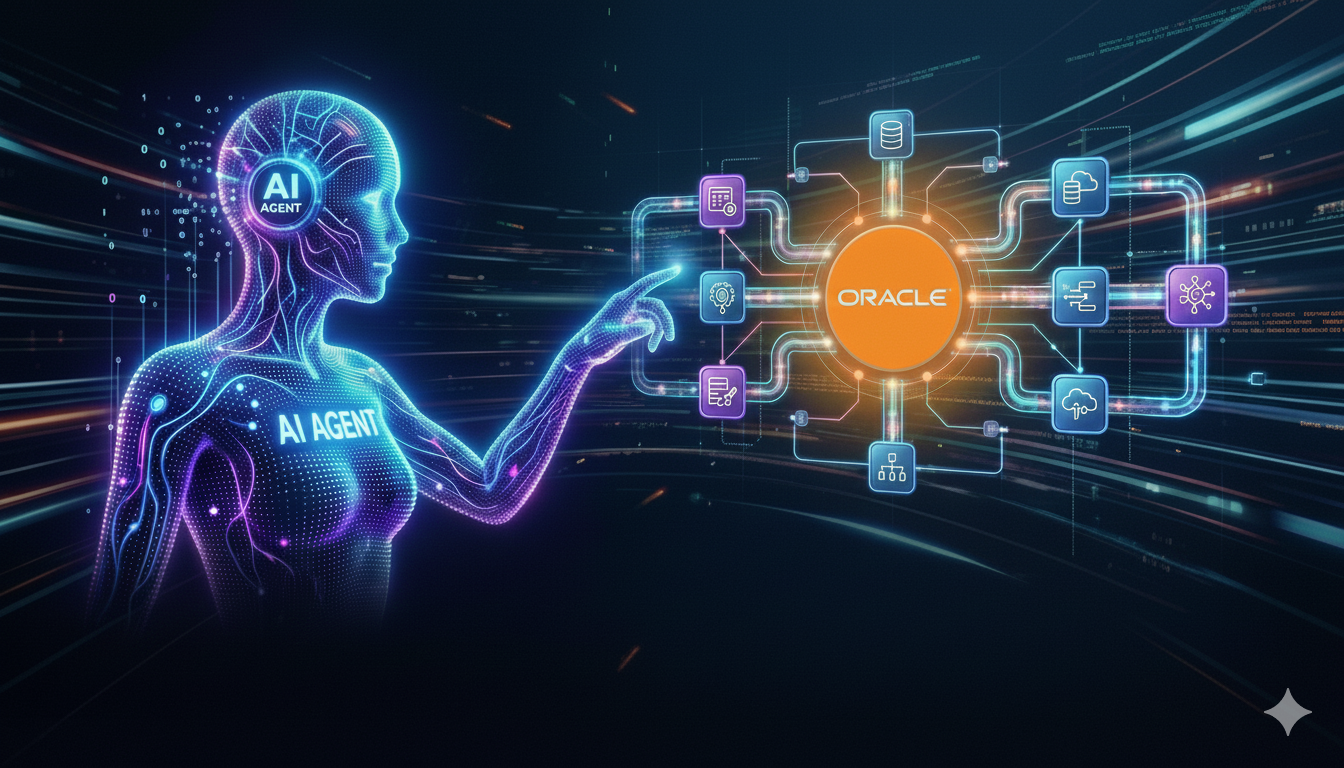
This course offers a comprehensive exploration of AI-driven automation and agentic workflows using Oracle Integration Cloud (OIC). Participants will learn how to leverage AI agents, OCI AI services, and Oracle Integration tools to design, build, and deploy intelligent enterprise workflows that reduce manual effort, improve accuracy, and enhance operational efficiency.
Throughout the course, learners will gain hands-on experience with key OIC components such as Integrations, Process Automation, Connections, Adapters, API Management, and Insights, and understand how they work together to create seamless, automated solutions. The course also emphasizes the use of AI capabilities, including OCI Language, Vision, Speech, and Document Understanding services, to process unstructured text, transcribe audio, detect objects and text in images, automate invoice processing, and analyze customer feedback.
💡 Course Highlights
🔥 100% Hands-On Labs
⚡ Real Use Cases + Practical Demos
🆕 Latest OIC Gen3 Features
[/vc_column_text][/vc_column][/vc_row][vc_row el_class=”mg-top-30″][vc_column][academia_heading title=”What you’ll learn” title_size=”fs-18″ show_icon=”” text_align=”text-left”][/vc_column][/vc_row][vc_row el_class=”mg-top-30″][vc_column][vc_column_text el_class=”content-icon-list”]
🔹 Build AI Agents inside OIC
🔹 Use AI Actions, RAG, Agent Frameworks
🔹 Automate end-to-end business workflows
🔹 Leverage the latest Gen3 capabilities
[/vc_column_text][/vc_column][/vc_row][vc_row el_class=”mg-top-30″][vc_column][academia_heading title=”Who this course is for:” title_size=”fs-18″ show_icon=”” text_align=”text-left”][/vc_column][/vc_row][vc_row el_class=”mg-top-30″][vc_column][vc_column_text el_class=”content-icon-list”]
- AI Enthusiasts & Tech Professionals
- Integration Developers & OIC Users
- Business Analysts & Automation Specialists
[/vc_column_text][/vc_column][/vc_row][vc_row el_class=”mg-top-30″][vc_column][academia_heading title=”Requirements” title_size=”fs-18″ show_icon=”” text_align=”text-left”][/vc_column][/vc_row][vc_row el_class=”mg-top-30″][vc_column][vc_column_text el_class=”content-icon-list”]
- Basic Oracle Integration knowledge is required to opt this course
- A basic AI glossary
[/vc_column_text][/vc_column][/vc_row][vc_row el_class=”mg-top-30″][vc_column][academia_heading title=”Course Details” title_size=”fs-18″ show_icon=”” text_align=”text-left”][/vc_column][/vc_row][vc_row][vc_column][academia_course_sections title=”Course Outline”][academia_course_lesson title=”Introduction and learning outcome of the course”]
- Introduction and learning outcome of the course
[/academia_course_lesson][academia_course_lesson title=”Overview: Understanding Oracle Integration in the AI Revolution”]
- Unifying Integration, Automation, and AI for Enterprise Impact
- AI Innovation in Oracle Integration
- Core Components of Oracle Integration
[/academia_course_lesson][academia_course_lesson title=”Oracle Integration Refresher and Key Terminologies”]
- Essential Building Blocks of Oracle Integration
- Essential Oracle Integration Glossary
- Create Integration projects using natural language by selecting pre-built
- Create your first connection using REST adapter
- Create your first integration and expose as a REST API
- Create deployment and activate it
[/academia_course_lesson][academia_course_lesson title=”Apply Co-Pilot features to enhance productivity and reduce manual effort”]
- Co-pilot in Oracle Integration – Generate using Natural Language
- AI in action – create / update integration using Natural Langague
- Learn how to use AI to generate iCal Schedule by Natural Language
- AI-powered document generation for projects and integrations
- AI to Create Descriptions for Projects, Integrations, and More
- AI-Powered root cause and possible solution of errors
- Create Integration Project using Natural Language
- Create Integration based on existing prebuilt
[/academia_course_lesson][academia_course_lesson title=”OCI AI Actions: Builder smarter workflows”]
- Simplify AI implementation with Oracle Cloud Native Actions for smarter and fast
- Understanding the Pre-requisites to use OCI AI Actions
- Extracting data from Documents using Document Understanding Service
- Automating Invoice Creation in Oracle ERP with OCI Document Understanding
- Exploring OCI Speech Service to transcribe audio
- Automating voice to text in seconds, powered by OCI Speech Service
- Exploring OCI Vision Service to detect objects and text
- AI Automation of Vechile Challan Powered by OCI Vision
- Exploring OCI Language Service to process unstructured text
- Analyze product reviews with OCI Language and auto-reply via email
- Exploring OCI Gen AI Service & it’s features
- Use OCI GenAI Playground to play with the service
- Analyze Patient report and send summary with recommendation using OCI GenAI
- Deep Dive into OCI Generative AI Agents Service
- Building an Leave Policy Advisor Agent using OCI Gen Agents Service
- Consuming an OCI Generative Agents in Oracle Integration to chat
[/academia_course_lesson][academia_course_lesson title=”Agentic AI: Driving Intelligent Automation in Oracle Integration”]
- Integrations and AI Agents Work Hand in Hand
- How to build AI agent tools: a step-by-step workflow
- Expose existing Integrations to act as AI Agents
- Enable OIC projects to function as an MCP server
- Use Docker to install Langflow on your local machine
- Registering OIC MCP server into Langflow
- Building an Agent to Read Emails from Your Inbox
- Enabling AI Agent to send replies to emails
[/academia_course_lesson][academia_course_lesson title=”Building a Self Driving Expense Agent Powered by OIC Agentic AI”]
- Self Driving Expense Agent Powered by OIC Agentic AI
- What are the pre-requisites to build Self Driving Expense Management Agent
- Building Integration to Extract Expense Details
- Setup Decision Rules to validate the expense compliance
- Building Integration to check if uploaded expense requires approval or not
- Building Human Process to approve / reject the Expense
- Building Integration to Initiate the Approval Workflow
- Building Integration to Create the Expense in Oracle ERP
- Updating Approval Workflow to call “Create Expense Integration
- Register Integration as Agentic AI Tools
- Configuring the Agent AI Thinking Pattern
- Creating Expense AI Agent and add required tools & prompts
[/academia_course_lesson][/academia_course_sections][/vc_column][/vc_row][vc_row el_class=”mg-top-20 mg-bottom-20″][vc_column width=”1/3″][/vc_column][vc_column width=”1/3″][/vc_column][vc_column width=”1/3″][academia_button link=”url:https%3A%2F%2Ftechsupper.com%2Fpayment|title:BUY%20NOW|target:%20_blank|” layout_style=”bt-bg” size=”bt-md” el_class=”bt-bg bt-tertiary”][/vc_column][/vc_row]

Reviews
There are no reviews yet.